Device Operation

What's the battery life?

In optimal circumstances, the scanner can scan continuously for three to five hours.

I just received my device what should I do next?

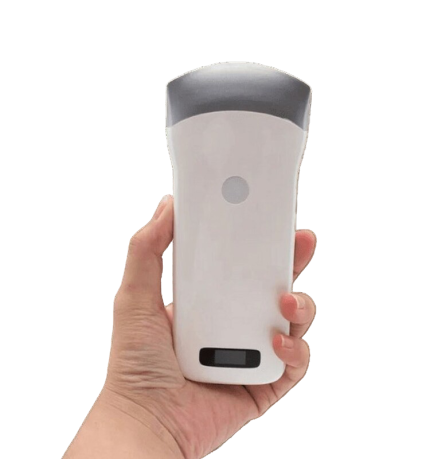
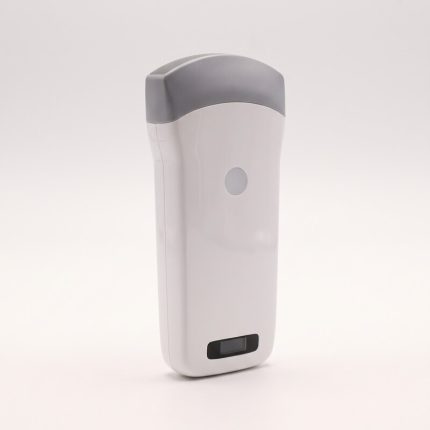
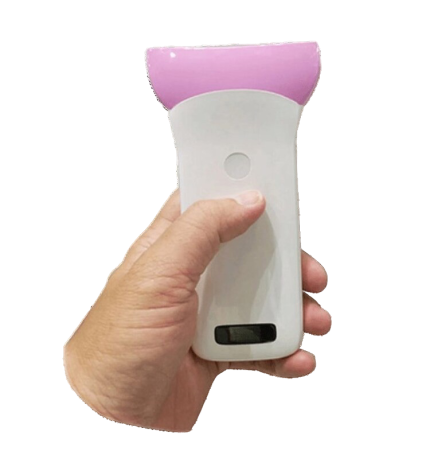
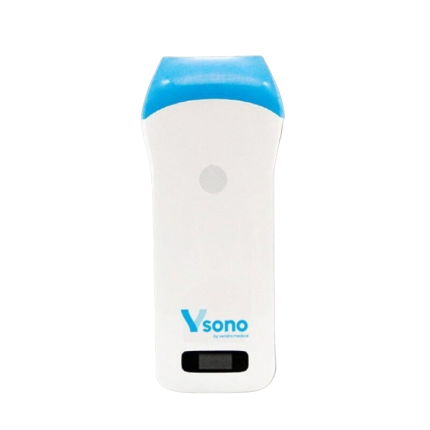
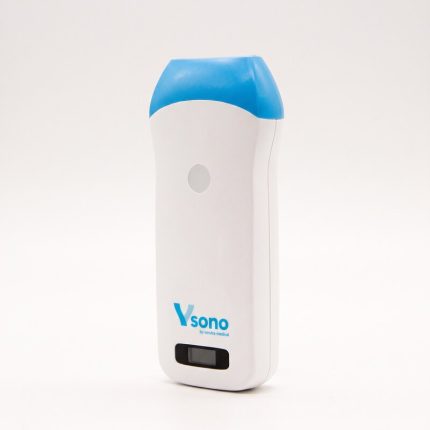
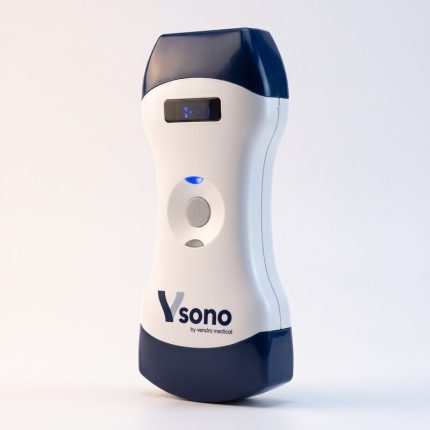
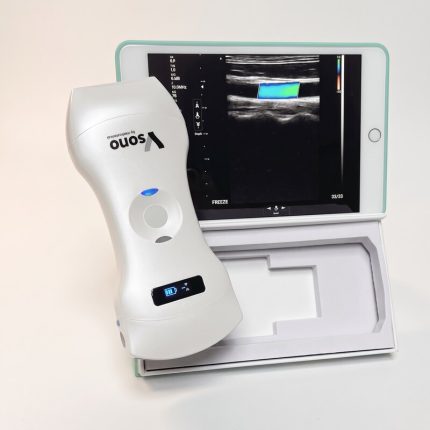
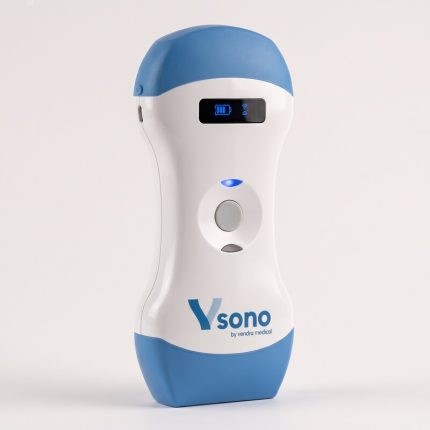
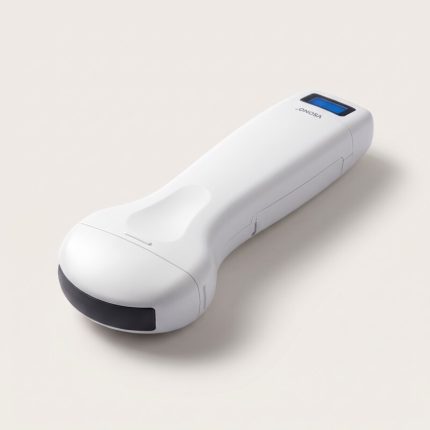
First, install the “Wireless USG” app from your device’s App Store or Play Store. Power on the probe by holding its round button until the light comes on, then go to Settings → Wi-Fi and join the network named SS/SN or matching your serial number—enter the lowercase serial (on the probe’s back) as the password. Finally, open Wireless USG, position your probe, and tap Freeze to capture your first image. For any questions, our customer service team is here to help.

Where scan images are saved?

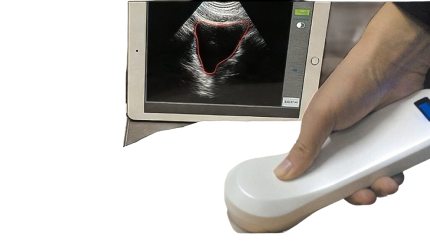
All images and videos you capture with the VSONO probe using the WirelessUSG app are stored locally on your mobile device. To maintain HIPAA compliance, nothing is uploaded to the cloud. You can then move your saved files to a computer by emailing them, sending them via messaging apps, or using a USB/data cable.

How can I configure the VSONO settings to get sharper images?

For high-resolution B-Mode, set your 14 MHz probe’s gain to 90–100, noise reduction to 1–2, and dynamic range to 50–60; for a 10 MHz probe, use gain 80–90, noise reduction 1–2, and dynamic range 60–70, then fine-tune gain while observing fluid (black), soft tissue (gray) and bone (white). In Color (Doppler) mode, use color gain 50, wall filter 6 and PRF 1.0 kHz—if you see speckle noise, lower the gain; if flow drops out, raise PRF or lower the wall filter. Adjusting these settings will enhance both spatial detail and flow sensitivity.

Use Cases

Does the device use Doppler technology to measure blood flow?

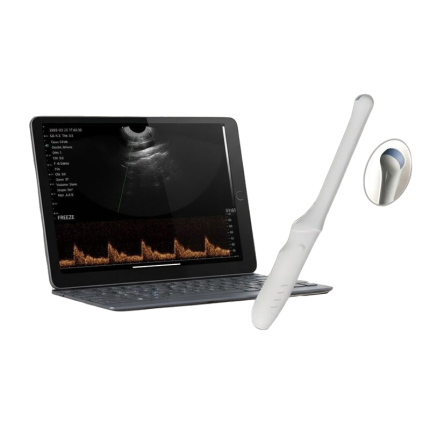
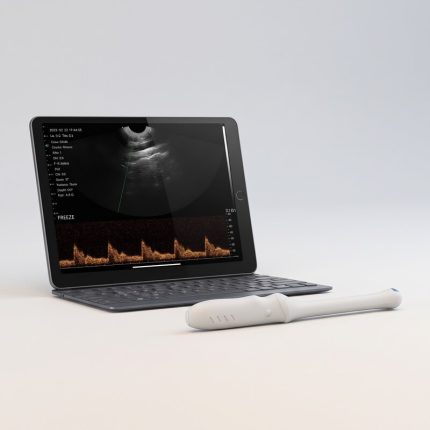
Yes—our system features Doppler arterial sound functionality, which estimates vessel blood flow by reflecting high-frequency ultrasound off moving blood cells, providing precise flow measurements even in complex scenarios.

Does the VSONO probe support pulsed wave Doppler for arterial assessments?

Yes—the VSONO probe features pulsed wave Doppler with arterial Doppler ultrasound. It transmits short bursts of ultrasound and analyses the echoes between pulses, allowing you to hear the Doppler sound and perform precise vascular assessments.

Does the VSONO app support needle guidance during procedures?

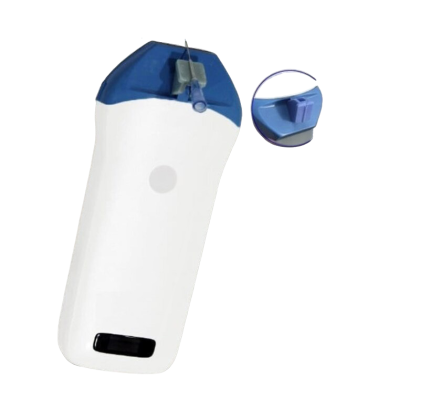
Yes—the VSONO app includes both in-plane and out-of-plane needle guidance features to assist with accurate needle placement during injections and other procedures.

Is the VSONO probe suitable for obstetrics and gynecology?

Yes—the VSONO device is well-suited for OB/GYN use and includes dedicated settings for this field. The app supports key measurements such as crown-rump length (CRL), biparietal diameter (BPD), gestational sac diameter, femur length, head circumference, and abdominal circumference, ensuring accurate and comprehensive prenatal assessments.

Device Features

How much delay should I expect when viewing live images?

Transmission speed varies with signal quality, but under normal conditions images stream in real time for smooth, accurate live scanning.

How does the number of elements in a VSONO probe affect image quality?

First, install the “Wireless USG” app from your device’s App Store or Play Store. Power on the probe by holding its round button until the light comes on, then go to Settings → Wi-Fi and join the network named SS/SN or matching your serial number—enter the lowercase serial (on the probe’s back) as the password. Finally, open Wireless USG, position your probe, and tap Freeze to capture your first image. For any questions, our customer service team is here to help.

How long can I record video clips with the VSONO wireless probe, and can I adjust the duration?

The VSONO wireless probe lets you record videos up to 100 seconds in length. In the WirelessUSG app’s settings, you can customise the clip duration anywhere from 10 to 100 seconds.

Do I need any cables to use the probe with my device?

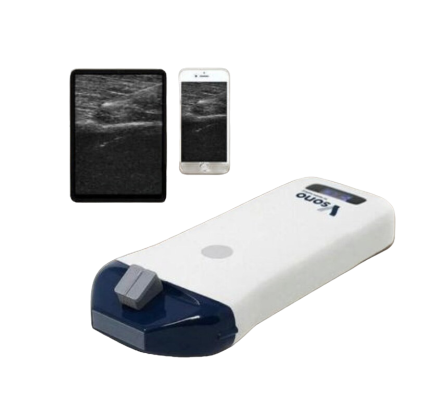
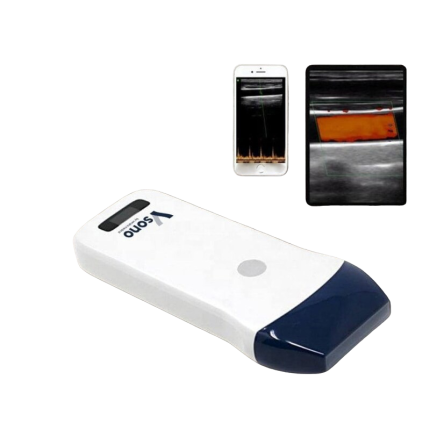
No—your VSONO probe is entirely wireless. It broadcasts its own Wi-Fi signal from an internal chip, so you simply connect your iOS or Android device to that network (no hospital Wi-Fi or internet required) and launch the WirelessUSG app. This makes it perfect for point-of-care or remote-area use where connectivity is limited.

After-Sale Services

What is your return policy?

You have 30 calendar days from delivery to report a product that is damaged, incomplete or non-functional. Please contact our Customer Service team within this period and explain the issue. Change-of-mind and accidental-order returns are not accepted. Our technical team will review your request and must approve any return before the product is sent back. Any refund or replacement is subject to inspection and confirmation of the reported issue.

Do you offer on-site demos?

As a primarily online company, we don’t provide on-site demos, which helps us keep prices competitive. If your device arrives damaged, incomplete or non-functional, you have 30 calendar days from delivery to report the issue. Change-of-mind and accidental-order returns are not accepted. Please contact our Customer Service team so our technical team can assess the issue and advise on the next steps.

What is the warranty period?

Every product purchased from Vendra Medical comes with a two-year warranty, whether purchased by an individual, healthcare professional, clinic, hospital, distributor, company or other organisation. The warranty covers defects in materials, workmanship and manufacturing that affect normal product functioning. For exclusions and claim instructions, please see our full warranty policy.

Do I need to pay any subscription or extra fees to use the probe?

No—once you’ve purchased your VSONO probe, every app feature is unlocked and free to use. There are no hidden charges or ongoing subscription costs.